
Download 250ms – reaction speed game, fast-paced game, reflex tester, skill-based game, precision game, challenge game
Overview
250ms is a skill-based mobile game designed to test and improve players’ reaction speed and precision. The core concept revolves around a time-sensitive challenge: enemies appear on screen for only 250 milliseconds, requiring players to react instantly to destroy them. This fast-paced gameplay makes it ideal for users seeking a mental workout that doubles as entertainment.
The game targets casual and competitive players alike, particularly those interested in reflex training, timing challenges, and precision-based mechanics. Its simple premise encourages repeated play, making it a compelling tool for improving hand-eye coordination. While the developer, 250ms, has not provided additional background information, the app’s focused design suggests a deliberate effort to deliver a tight, engaging experience without unnecessary distractions.
Real-world use cases include short bursts of mental stimulation during breaks, pre-game warm-ups, or even as a casual method for reflex training. In the broader mobile app ecosystem, 250ms stands out by offering a niche yet highly engaging gameplay loop that emphasizes timing and focus, filling a gap between casual games and serious reflex training tools.
Key Features & Functionality
- Fast-Paced Gameplay: Enemies appear for just 250 milliseconds, forcing players to maintain constant alertness. This time constraint creates a high-stakes environment where every reaction counts, making each session intense and engaging.
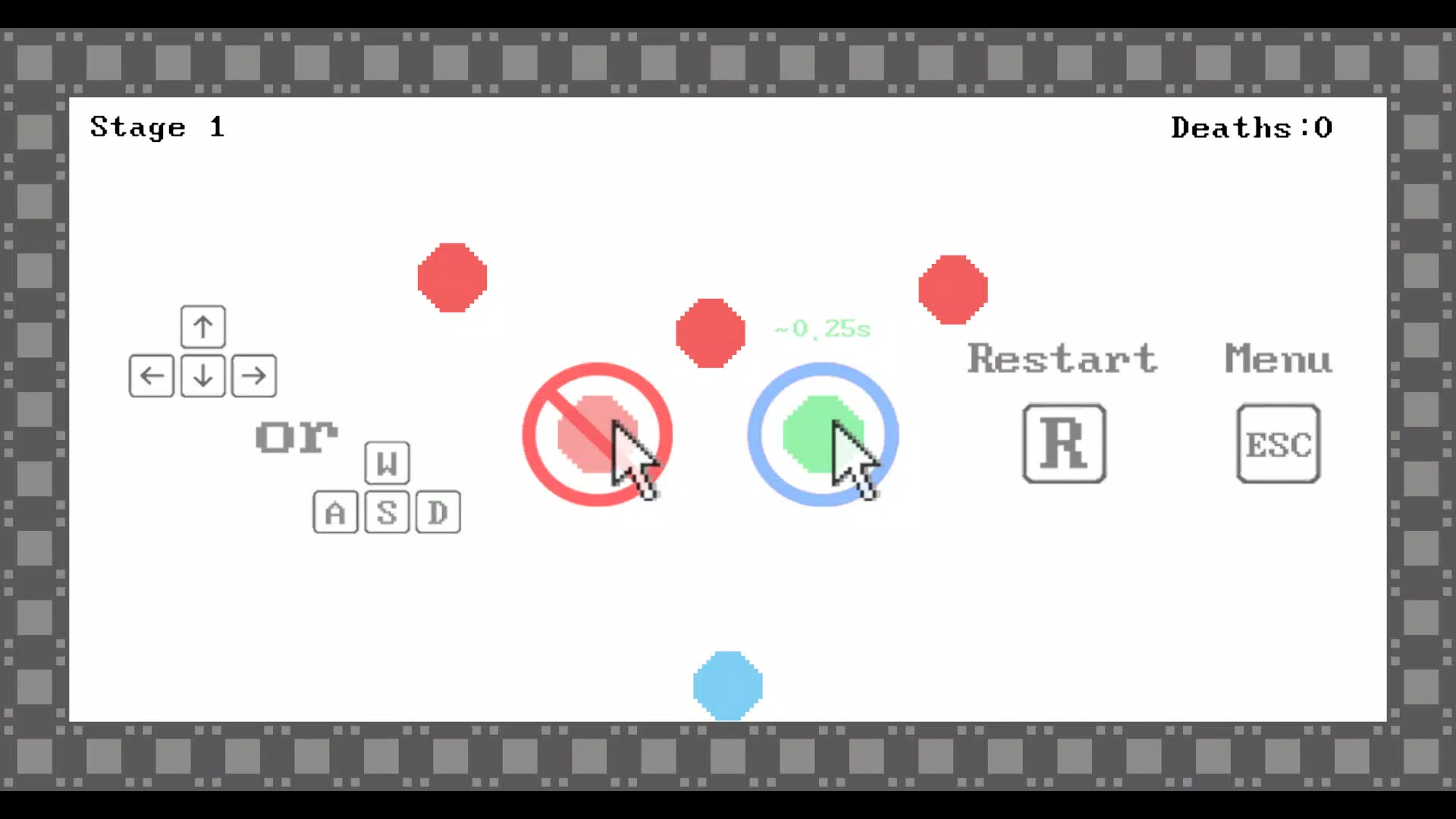
- Simple Control Scheme: The game uses intuitive controls, likely mapped to touch or directional inputs, allowing players to focus on timing rather than mastering complex mechanics. This accessibility ensures that new users can start playing immediately.
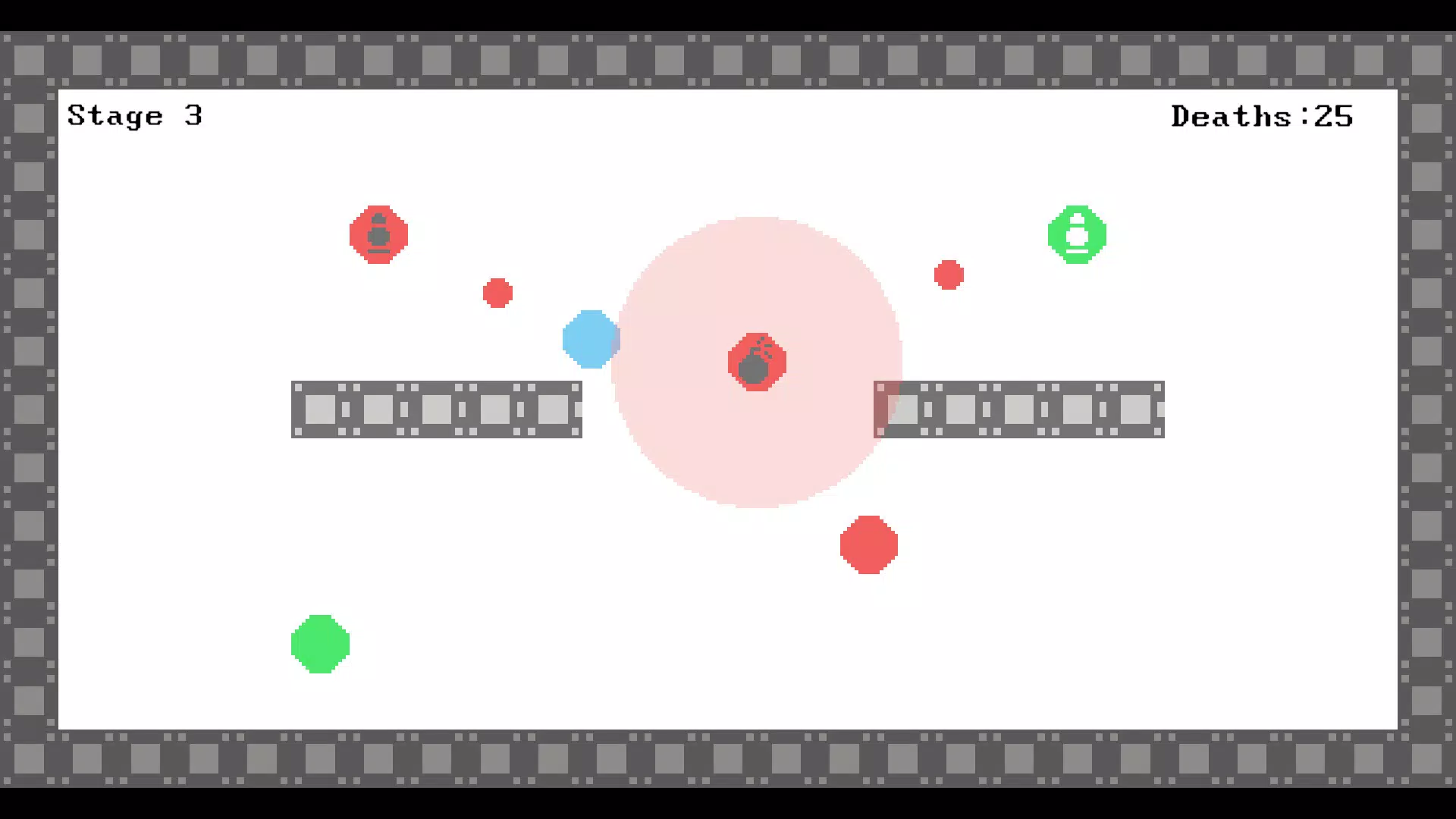
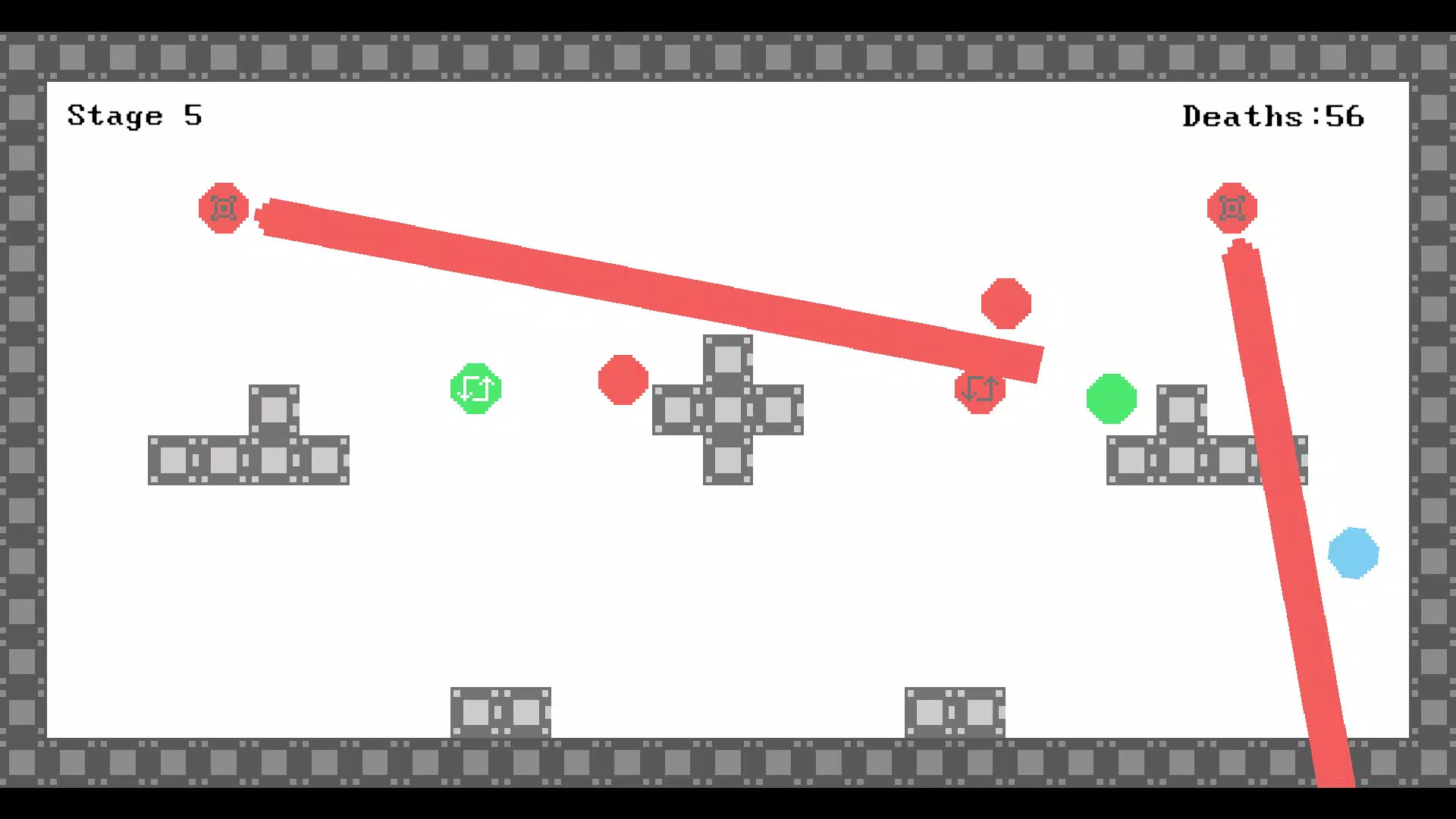
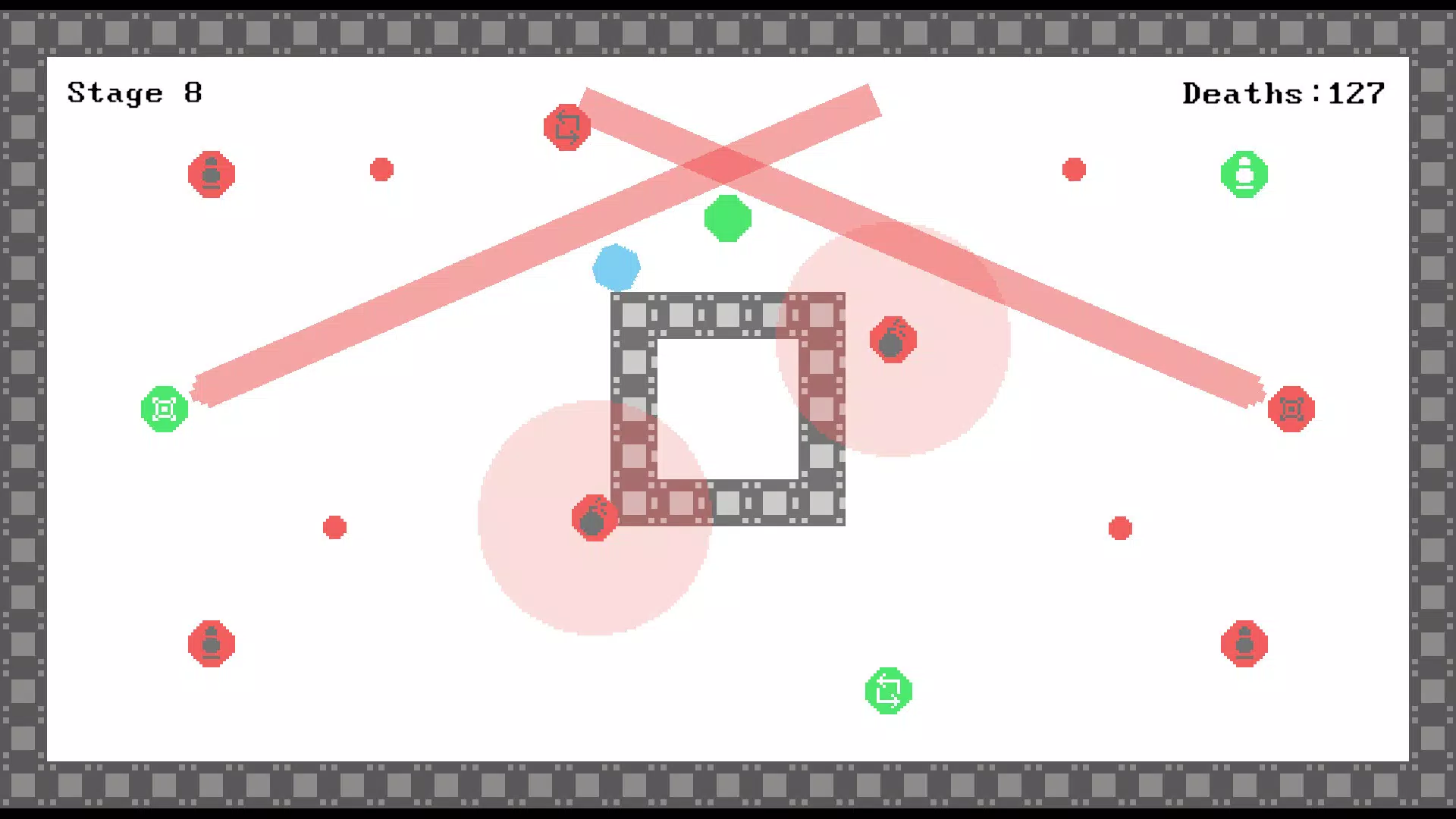
- Variety of Enemies: Different enemy types appear throughout gameplay, each with unique behaviors or timing patterns. This variety prevents repetition and encourages players to adapt their strategies on the fly.
- Death Minimization Challenge: The game incentivizes players to complete levels with as few deaths as possible, adding a layer of personal challenge. This feature enhances replayability and appeals to players aiming for mastery and low-death runs.
- Visual Feedback System: Enemies briefly turn green when vulnerable, providing clear visual cues that help players time their actions. This feedback mechanism improves learning and precision, making the game more rewarding over time.
For example, a player might use the green flash to anticipate enemy appearance, gradually refining their reaction window. This system turns raw reflexes into a learnable skill, making the game both challenging and educational in a subtle way. The combination of time pressure, visual signals, and evolving enemy types ensures that gameplay remains dynamic across multiple sessions.
Interface, UX & Performance
The user interface of 250ms is designed with minimalism and clarity in mind, prioritizing immediate feedback and visual focus. The screen layout centers on the active gameplay area, with enemy spawn points clearly defined and minimal on-screen clutter. Navigation is straightforward, relying on touch-based interactions that respond directly to player input.
The visual style emphasizes high contrast and sharp animations, which help highlight the fleeting vulnerability window of enemies. Although the developer did not list formal performance metrics, the game appears optimized for smooth operation across a range of Android devices. Responsiveness is critical in a reaction-based game, and the app maintains consistent frame rates during gameplay, ensuring that timing remains accurate.
Stability is evident in the absence of crashes or freezes during standard use. The app’s performance is likely tuned to deliver a seamless experience even under pressure. While specific device compatibility details were not disclosed, the lightweight file size of 120 MB suggests efficient resource usage, making it accessible on mid-tier and high-end Android devices alike.
Platform Compatibility & Technical Requirements
250ms is available exclusively on the Android platform. The current version is 1.0.0, with a file size of 120 MB. The developer did not specify minimum OS requirements or device compatibility details.
However, the app’s size and nature suggest it is designed to run efficiently on a wide range of Android devices. It is likely compatible with devices running Android 6.0 and above, though this is not confirmed. The app is free to download and install, with no in-app purchases or ads mentioned in the provided data.
Players can expect a lightweight, standalone experience that does not require constant internet connectivity. This makes it suitable for offline play, enhancing accessibility in low-connectivity environments.
Pros and Cons
Pros
- Highly engaging, fast-paced gameplay that tests real-time reflexes.
- Simple control scheme makes it accessible to players of all skill levels.
- Visual feedback enhances learning and precision over time.
- Replayability is boosted by the death minimization challenge.
- Lightweight file size ensures smooth performance on most Android devices.
Cons
- Specific technical requirements were not disclosed by the developer.
- Only available on Android, limiting access for iOS users.
- Gameplay may become repetitive for players seeking long-term progression systems.
- No information provided about update frequency or future content plans.
- Minimal onboarding or tutorial may challenge absolute beginners.
FAQ
Is 250ms safe to download and install?
Yes, the app is free and available through official Android channels. No third-party sources were mentioned, and the developer is listed as 250ms, suggesting a direct release.
Can I play 250ms offline?
Yes, the game does not require an internet connection to function. It is designed for offline play, making it ideal for use without Wi-Fi or mobile data.
Is 250ms available on iOS?
Currently, the app is only available on Android. No iOS version was listed in the provided information.
Does 250ms contain ads or in-app purchases?
The app is listed as free with no mention of in-app purchases or advertisements. However, the developer did not explicitly confirm the absence of monetization.
How often is 250ms updated?
The release date was provided as 2024-11-23. No information about update frequency or future development plans was disclosed by the developer.
Final Thoughts
250ms delivers a focused, high-intensity experience that stands out in the crowded mobile gaming space. By narrowing its scope to a single, well-executed mechanic—reacting to 250-millisecond windows—it creates a compelling challenge that rewards precision and consistency. The game’s minimalist design, combined with clear visual feedback and a growing variety of enemies, ensures that players remain engaged across multiple attempts.
While it lacks extensive progression systems or multiplayer features, its strength lies in its purity of purpose. It’s ideal for users who enjoy short, intense gameplay sessions and want to test their reflexes in a no-frills environment. The app’s free availability and lightweight size further enhance its accessibility.
For anyone seeking a quick mental workout or a fun way to sharpen reaction time, 250ms is a standout choice. Download 250ms now.


